Narrated Feature Video Skill
Get a short video for every new feature, with a voice explaining what it does as it's used in your app, ready for your changelog and release posts
How to install and use this skill
Terminal
Loading editor...
npx skills add paralect/saas-skills --skill narrated-feature-video
How to use
Example runs
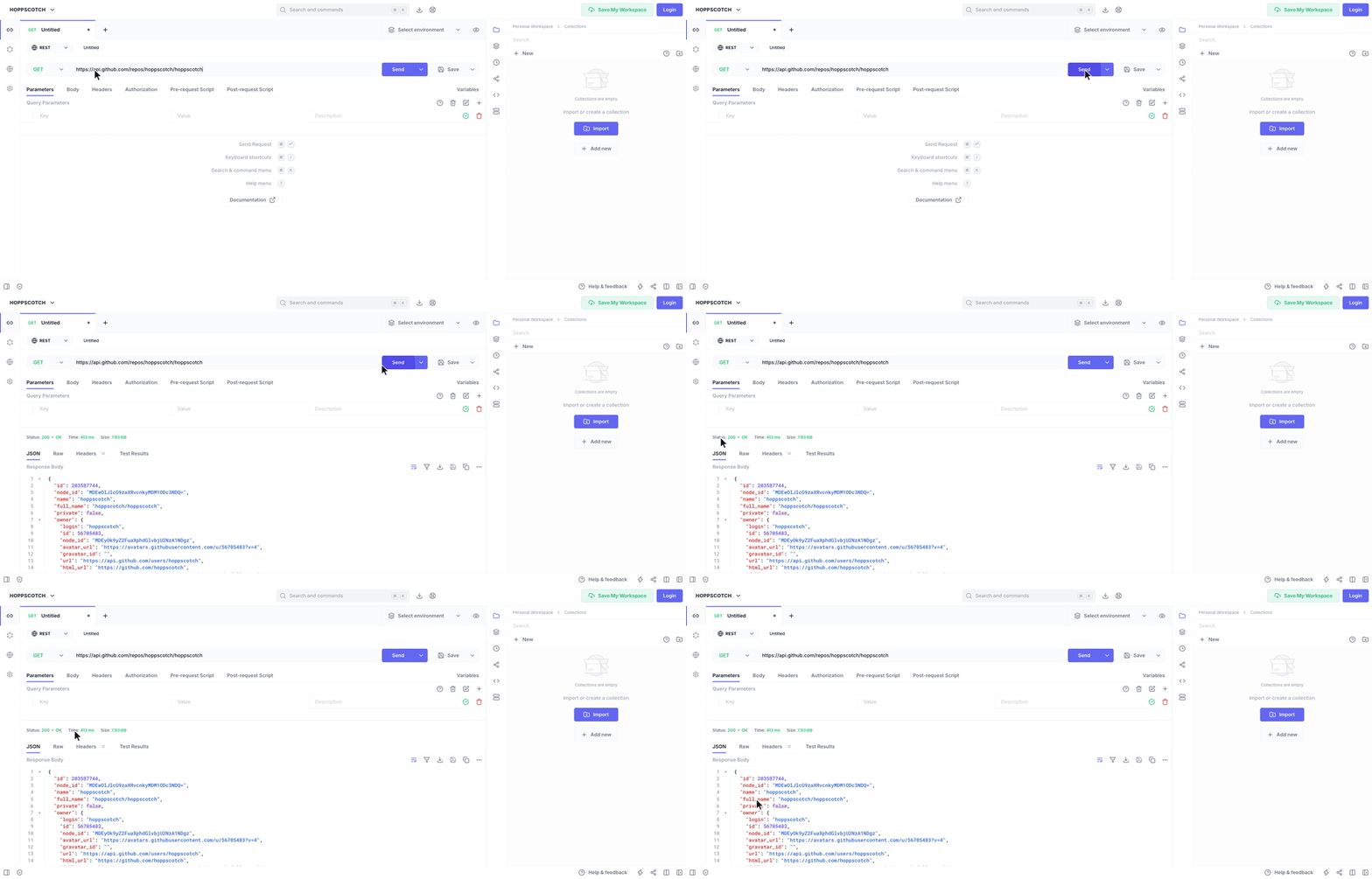
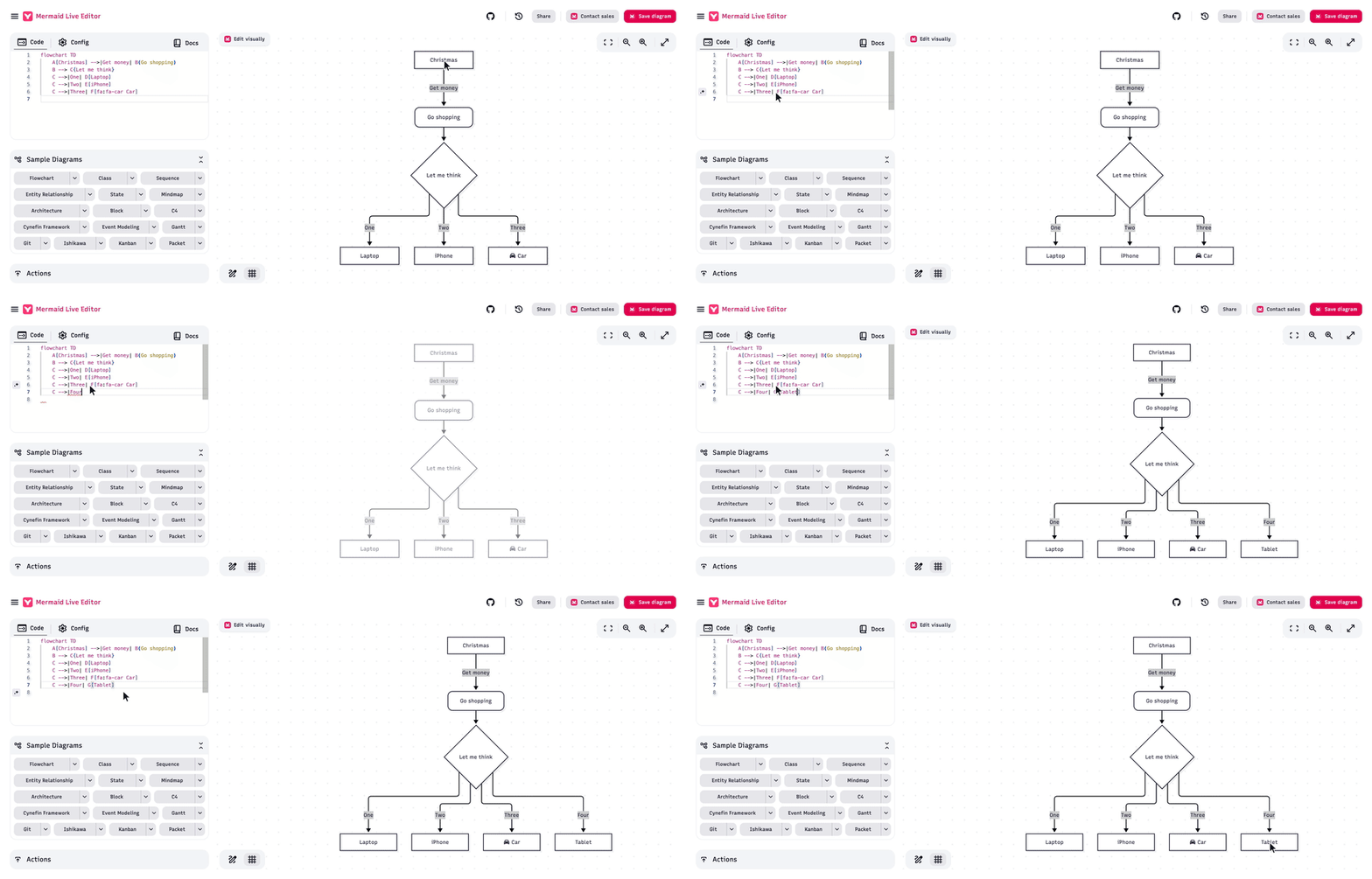
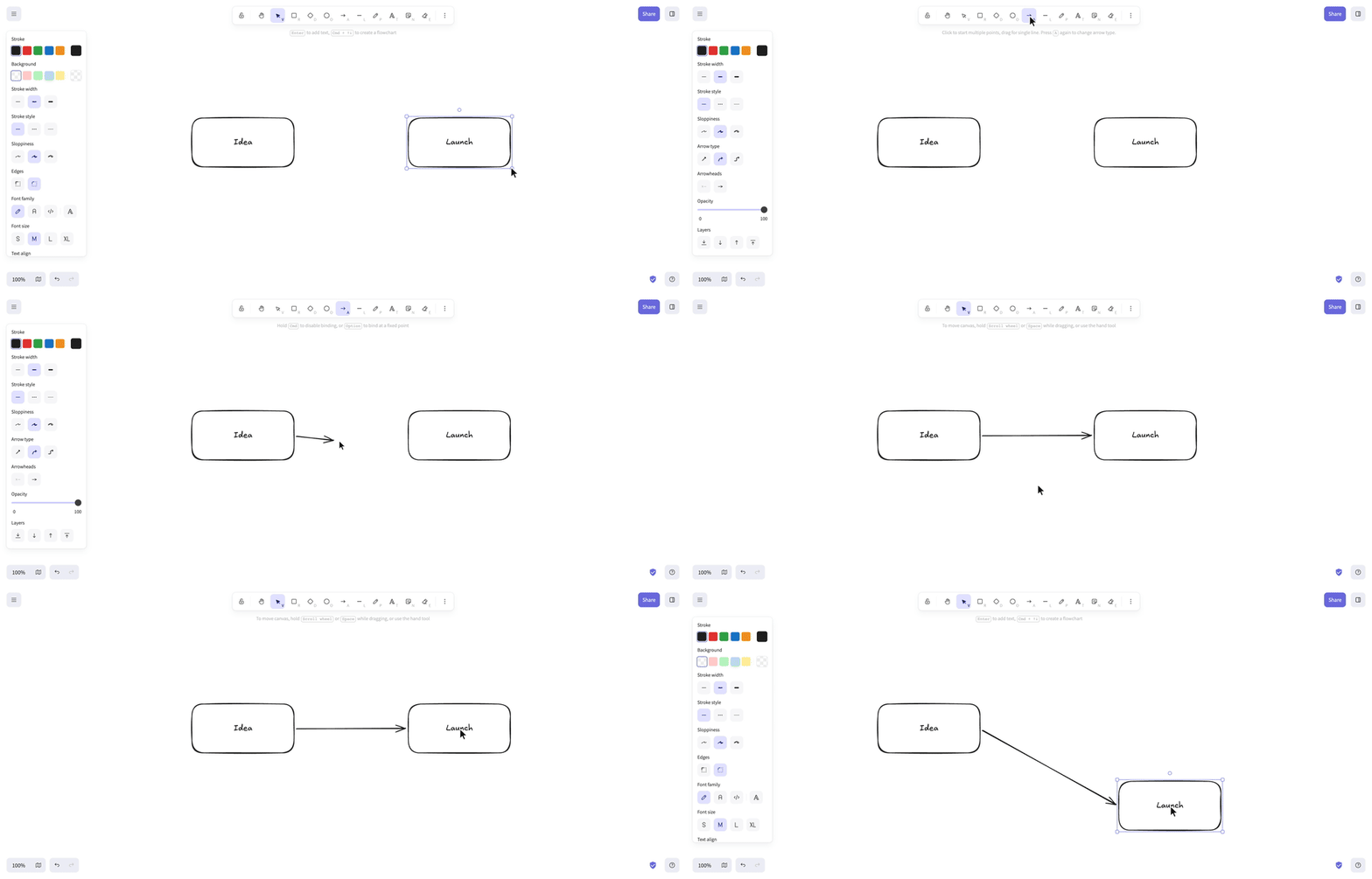
Inspect the skill
You tell it which features shipped. For each one you get a 25 to 60 second video: your app on screen, a cursor using the feature the way a person would, and a calm voice saying in one sentence what each step does for your users. No screen recording, no script, no voice recording on your side.
| Input | What to give |
|---|---|
| Features | What shipped, in what order. Leave it out and you get a list of candidates to pick from. |
| Your app | Where to record it, ideally staging, and a way to sign in if it needs one. |
| Voice | Optional. A calm English voice by default. Ask for "the same voice as before" and every video in a series sounds alike. |
It plans each video before recording: what's on screen, what happens, what the voice says. Test data, ads, pop-ups and anything private (emails, phone numbers) are cleaned up or blurred, and nothing in your app changes: buttons that pay, send or charge get pointed at, not clicked.
Every video is checked before the voice goes on, and one with a jumpy cursor or a skipped step is recorded again. You get videos you can post as they are, and you're told what was real data and what was filled in for the demo.
It runs on your computer and needs Node,
ffmpeg, Google Chrome and Python. The voice downloads once, about 350 MB.


